IT Service Africa

Ebuka Adimora

Your Remote Team Is Working From 47 Different Networks. Is Any of Them Safe?
Blogs, Managed Services

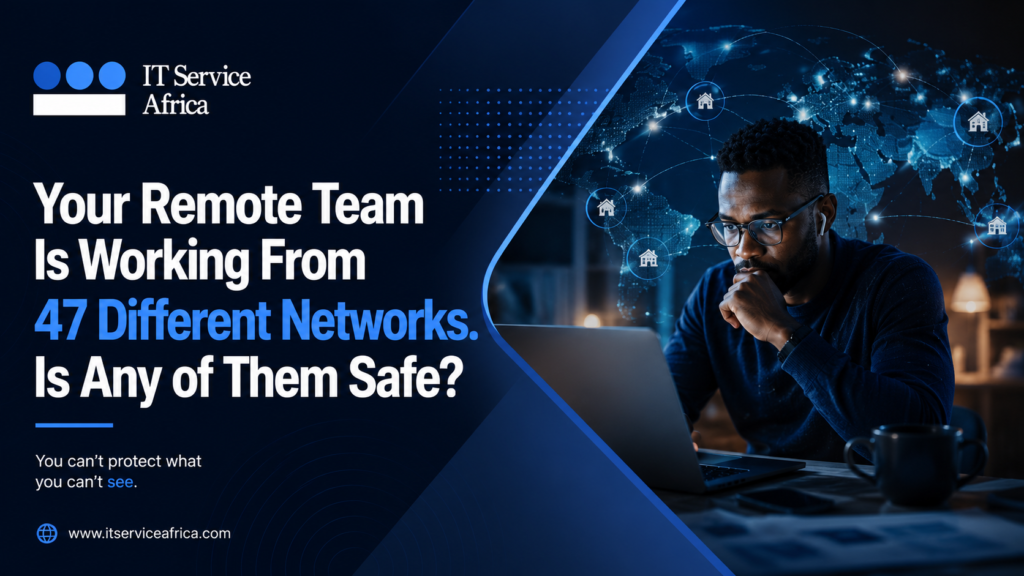
Before 2020, securing a Nigerian business meant protecting the physical office premises. You knew what was inside those walls, and you protected it. Then, remote work happened. The walls disappeared, and most IT strategies never caught up. WHAT REMOTE WORK DID TO YOUR SECURITY POSTURE ? A fifty-person organisation today might have staff working from homes across Lagos, Abuja, and Port Harcourt. They use personal WiFi connections, shared family routers, and café hotspots when the power goes out. Some use company laptops, while others use personal devices. Many bypass the VPN entirely because it slows down their internet connection. This means you have forty-seven different networks, but only one company dataset. A single breach on any of these networks touches everything. The firewall protecting your main office cannot reach a home router in Surulere. Your network monitoring system cannot see what happens on mobile data in Kano. When a remote worker uploads files to a personal Google Drive to save time, IT rarely finds out until data leaks. THREE CONTROLS THAT ACTUALLY FIX REMOTE SECURITY: IT Service Africa deploys three modern solutions to recreate office-level security for your distributed team: ADAPTING TO THE FUTURE OF NIGERIAN WORK The forty-seven networks are not going away. Distributed and hybrid work is now a permanent reality for Nigerian knowledge-work organisations. Your security strategy needs to reflect this reality, not the office environment that existed in 2019. Protect your business data across every home, café, and remote location. Book a remote work security assessment →  📧 support@itserviceafrica.com
How One Leaked Password Can Destroy Your Corporate Security

Blogs

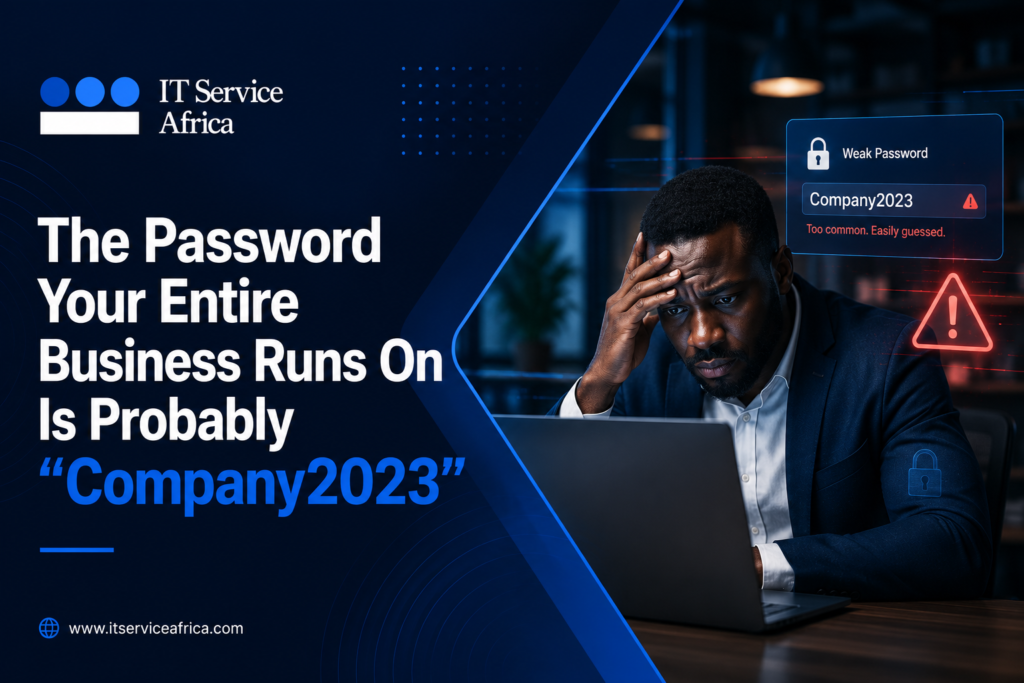
A predictable conversation happens in Nigerian IT teams after a security incident. Someone asks what password the affected account was using. There is a long pause and then you find out it was the same password used for everything. HOW ONE LEAKED PASSWORD OPENS EVERY DOOR? Password reuse is not laziness. It is a response to an impossible situation. No one can remember unique, complex passwords across dozens of corporate platforms. However, people pick one simple password and use it everywhere. That single decision is highly dangerous for your business. In 2024, a food delivery app suffered a major data breach. A staff member at a Nigerian firm used the exact same password for both that app and his work account. Attackers used automated tools to test this leaked password across hundreds of platforms. They found a match within hours. The firm’s Microsoft 365 account opened instantly. Client contracts, wire transfer records, and customer personal data were all exposed. Nobody hacked the system. The criminals simply tried a key they found on the floor. THREE STEPS TO SECURE YOUR BUSINESS WITH IT SERVICE AFRICA: IT Service Africa deploys three critical solutions to stop these credential attacks completely: THE TRUE COST OF A CORPORATE BREACH: A data breach triggered by one reused password typically costs between ₦20,000,000 and several hundred million naira. This includes investigation costs, NDPA regulatory penalties, and client remediation. By contrast, IT Service Africa can implement a password manager for fifty staff members for roughly ₦3,000,000 per year. The maths are not complicated.

Upgrade Corporate Security with the Community Card

Managed Services, Uncategorized

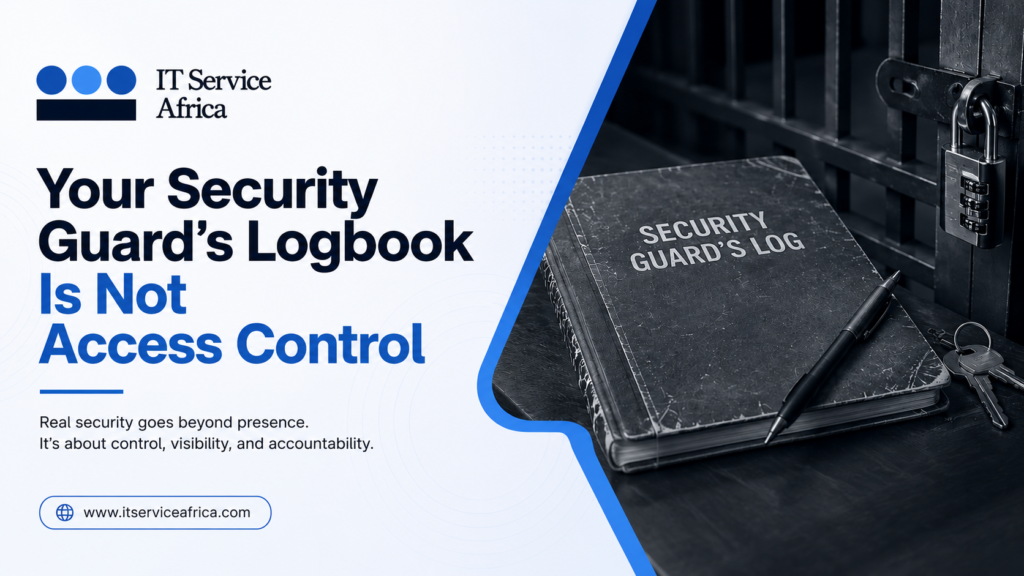
Most Nigerian office buildings have a security guard at the entrance. Visitors write their names in a paper logbook. Then, nobody ever reads it again. That logbook is not real security. It is just the appearance of security. This gap between appearance and reality is exactly where office break-ins happen. The Security Risks You Live With Daily Think about what actually happens in your building today: None of this is true access control. It is just hope. In 2026, hope is not a security strategy. Eliminate Vulnerabilities with Community Card Community Card is the automated smart identity and access management solution developed by IT Service Africa (ITSA). It replaces human errors with smart hardware enforced security. Every staff member carries a Community Card. Entering any secured area requires a tap of that card. The system checks permissions instantly and logs the movement automatically. Instant Deactivation: When an employee or contractor leaves the company, their Community Card is deactivated immediately Role-Based Access: A finance officer can enter the accounts office, but not the server room. A contractor can access their assigned floor, but not executive areas. Digital Audit Trails: If something goes missing, you check the digital data instantly. You can see who opened the door, and at what exact time. See how Community Card works for your organisation →  📧 support@itserviceafrica.com

Your Data Is Somewhere. Do You Actually Know Where?

Artificial Intelligence, Tech Solution, Uncategorized

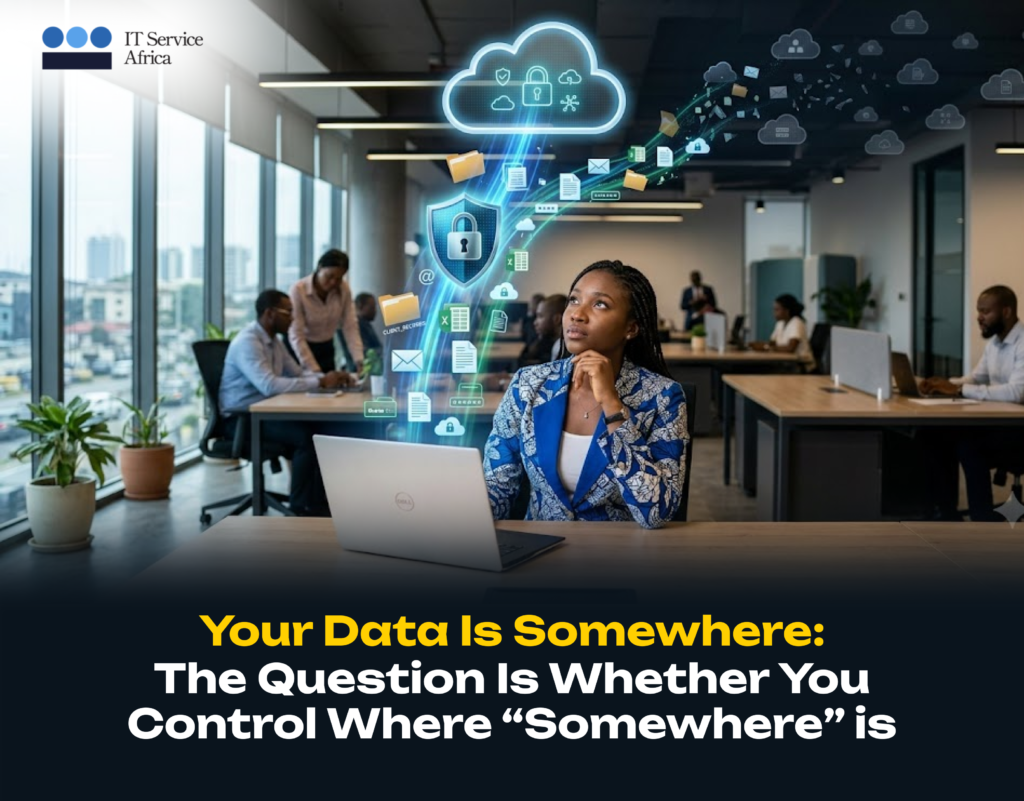
Ask a Nigerian business owner where their data lives. You will hear, “In the cloud.” Ask which cloud. They go quiet. Ask where the servers are, or what the backup policy is. Finally ask what happens if the subscription lapses and they go quiet. This is not ignorance. Cloud adoption in Nigeria moved fast. It moved without a plan. It happened one subscription at a time. One problem was solved at a time. Now, company data is scattered across platforms that nobody fully controls. In 2026, the NDPA is actively enforced. This situation has real consequences. You Did Not Choose a Cloud Strategy. You Inherited One. It started with a slow accounting system. Someone suggested QuickBooks Online, Google Drive for files and Microsoft 365 for Teams. Each decision solved an immediate problem. None of them were part of a larger plan. Now, company data sits across multiple platforms. Each has different access rules and backup settings. Each has different compliance implications. Nobody has joined them together. What Are the Questions You Should Ask? The Fix Is Simpler Than You Think Most businesses do not need to move everything back on-premise. They just need clarity, what they have and where it lives and also must check if it is set up correctly. A cloud audit typically finds 15 to 30 percent in savings. This comes from unused licences alone. Beyond savings, it surfaces compliance gaps. It highlights security misconfigurations that most businesses carry without knowing. ITSA helps businesses across Nigeria run that audit, close the gaps and build a setup that is secure and compliant. It is built for how your business actually runs today, not how it got set up in 2019. “We are in the cloud” is a starting point, not a strategy. 📧 support@itserviceafrica.com | 📞 07079935788

They Didn’t Hack Your System: They Hacked Your Staff

Artificial Intelligence, Device Health Management Services(DHMS), General Category, Tech news update, Tech Solution, Technology

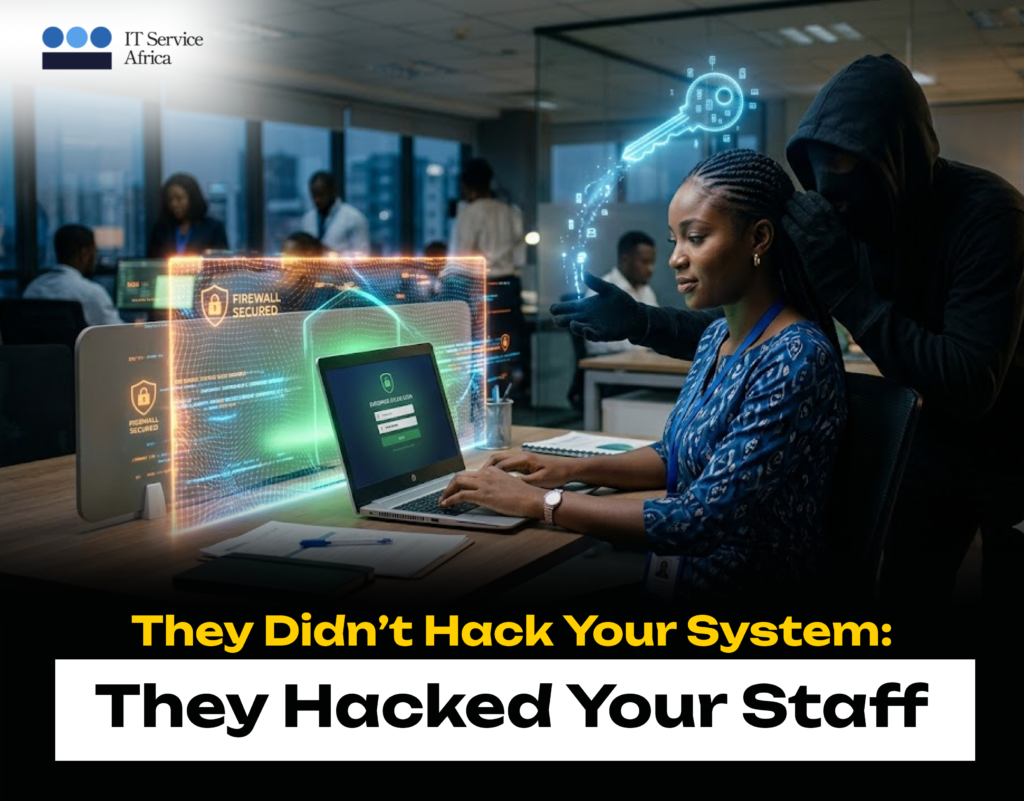
The attacker never touched a server; it took just one email, one link, and one finance officer who thought she was logging into her company’s bank portal. Three transfers left the account and nobody saw it coming because no firewall stopped it and no code triggered an alert. Someone manipulated a person in under three minutes and walked away with everything they needed. This is social engineering, and right now, it is the most common way attackers are hitting Nigerian businesses. Stop picturing a hacker in a dark room writing code. The most effective attacks today skip your systems entirely and go straight for the person at the desk. Social engineering exploits trust, urgency, fear, and the human desire to be helpful. You cannot patch those qualities out of your team, as they are what make people good at their jobs, but attackers simply know how to use them. No firewall in the world stops an employee who genuinely believes they are following a legitimate instruction. Here Is What Attackers Are Actually Doing Right Now Why Nigerian Businesses Keep Falling for This This is not a criticism of Nigerian professionals, but rather an observation about how most Nigerian organisations operate. When the MD sends an urgent message, people respond immediately. When someone calls claiming to be from the bank, the instinct is to help quickly. Similarly, when a “new IT staff member” needs access to fix something urgently, turning them away feels obstructive. Attackers study these patterns and build their entire approach around them. The speed and deference that make organisations run efficiently are the exact same qualities that social engineering turns into a weapon. Training Your People Stops This: Nothing Else Will You cannot buy a tool that fixes this problem, as no software catches every manipulated human being. What works is teaching your team to pause and to treat urgency itself as a warning sign rather than a reason to move faster. They must learn to notice when a request feels slightly off, even if they cannot immediately explain why, and feel empowered to verify without worrying about being obstructive. ITSA’s security awareness training builds these habits across your entire team through structured programmes that change real behaviour, rather than one-off sessions people forget by the end of the week. We also run simulated phishing exercises so you can see the actual numbers—how many people click, what changes after training, and where the gaps remain. One trained person can stop an attack that no firewall would have caught, while one untrained person can undo everything. Which type does your team have more of right now? Book a security awareness session for your team today.  📧 support@itserviceafrica.com

Your Laptop Is Sending You Distress Signals: You are Just Not Listening

General Category

Devices don’t die suddenly.  They die slowly and loudly, if you know what to listen for. Think of the laptop that takes four minutes to boot but now takes forty-five seconds or the one that runs hot enough to be uncomfortable on your lap with the fan whirring constantly while doing nothing strenuous. Consider the machine that freezes for a few seconds every time you open a new tab, or the battery that used to last six hours and now barely survives two. None of these is a small annoyance; they are distress signals. Every one of them is a device telling you in the only language it has that something is wrong. The businesses that listen save money, avoid downtime, and extend their device lifespan. The ones that don’t end up losing a full day of productivity when a device finally gives out at the worst possible moment with the least warning. What the Symptoms Actually Mean What Proactive Device Health Management Looks Like ITSA’s Device Health Management Services (DHMS) operates on a simple principle: the best device repair is the one that never needs to happen. Instead of waiting for devices to fail, DHMS monitors your entire device fleet continuously. Every laptop, desktop, and endpoint in your organization is tracked for the early warning signs that precede failure, including storage health, temperature trends, battery capacity, performance metrics, and software conflicts. When a device starts showing distress signals, the system flags it and maintenance is scheduled. The device is addressed while it is still working—calmly, on a schedule, and without any of the urgency and cost that comes with an unplanned failure. Automatic patching keeps software and security updates current, while sub-30-minute support means that when something does need human attention, it gets it quickly. Additionally, full lifecycle tracking means you always know the age, health, and replacement timeline of every device in your fleet, ensuring hardware budgets are planned rather than reactive. Call to action  Your devices are talking. The question is whether anyone is paying attention. ITSA’s DHMS turns the distress signals your devices are already sending into actionable intelligence, keeping your team productive, your data safe, and your hardware costs predictable. Get in touch: Your devices are already talking. ITSA’s DHMS makes sure someone is listening — before the breakdown, not after.Book a free fleet health check today The signals were there. Now you know what to do with them.

Imagine Losing All Your Data Overnight and It Happens More Often Than You Think.

Blogs, Device Health Management Services(DHMS)

“We’re too small to be targeted.” No, you’re not. In fact, small and mid-size businesses are preferred targets. Here’s why: Cybercriminals know this. They use automated tools that scan thousands of businesses at once and don’t care about your size. They care about your vulnerability. Why Prevention Feels Expensive Until It’s Not A proper backup and security setup for a small business might cost a couple thousand to a millions per year. That feels like a lot when nothing is going wrong. However, that’s the point. Nothing is going wrong yet. Insurance works the same way. You pay for fire insurance your whole life, hoping never to use it. Cybersecurity is insurance for your data and unlike a fire that is visible, dramatic, and rare; data loss is invisible, silent, and increasingly common. What “Protected” Actually Means You don’t need to become a cybersecurity expert. You need four things done right: 1. Real backups, in multiple places Not a USB drive. Not a single cloud account. The 3-2-1 rule: three copies of your data, on two different types of storage, with one copy offsite and offline. If your main system gets hit, the offline backup is untouchable. 2. Strong access controls Not “Password123.” Not the same password for everything. Multi-factor authentication (MFA) on every critical account. Limited admin access — most employees should not be able to delete everything. 3. Regular updates and patching That annoying “update available” notification? It’s often fixing a security hole that hackers already know about. Delaying updates is like leaving your door unlocked because you’re too busy to turn the key. 4. Someone watching Not a person staring at screens 24/7 (though that’s nice) but at minimum, monitoring tools that alert you to unusual activity — logins from strange locations, mass file deletions, encryption processes starting unexpectedly. The Emotional Cost Nobody Measures Here’s what the statistics miss: the feeling. The nausea when you realise your data is gone. The shame of telling your team there’s no paycheck data this month. The anger at yourself for thinking “we’ll deal with security later.” We’ve sat with business owners who’ve been through this. They don’t talk about the money first. They talk about the violation. The helplessness. The sleepless nights. Prevention isn’t just about protecting files. It’s about protecting your peace of mind. A Simple Test Ask yourself honestly: If you hesitated on any of these, you have a gap. Gaps are where disasters happen. You Don’t Have to Figure This Out Alone At IT Service Africa, we work with organisations across Kenya to build security that fits their size, their budget, and their actual risks. Not scare tactics. Not enterprise solutions designed for banks. Practical protection that keeps you running. Because the worst time to think about data security is when you’re staring at a ransom note. The best time? Right now. Don’t wait for the scary thought to become reality Contact IT Service Africa We’ll show you where you’re strong, where you’re exposed, and what to do about it — before someone else does.

The Most Expensive Device Is the One You Buy Twice

Blogs, Family, Technology

“I just need something cheap that works.” If you’ve ever said this before buying a laptop, a server, or a fleet of office computers, you’re not alone. Most businesses in Nigeria and across Africa start there, budget is tight, need is urgent and that shiny low-price tag feels like a win. Until it isn’t. Six months later, the hard drive fails, the fan sounds like a blender, “warranty” turns out to be a phone number that no one answers. Therefore, you buy again and suddenly, that “cheap” device cost you double in money, in downtime, and in the stress of explaining to your team why everything stopped working on a Tuesday afternoon. This is the hidden tax of buying cheap tech and it’s crushing more businesses than people admit. Why Cheap Tech Fails Faster in Africa? Here is something the global tech blogs won’t tell you: Budget devices are built for stable environments. Mild temperatures. Consistent power and Clean air. Nigeria’s reality? Voltage spikes, dust, heat and the occasional water issues. A laptop with a flimsy power circuit dies fast here. A business-grade machine with better thermal design, surge protection, and solid-state storage shrugs it off. Quality Isn’t About Brand Snobbery. This isn’t about buying Apple because it looks nice. It’s about understanding Total Cost of Ownership (TCO) — the full price you pay over a device’s life. TCO includes: When you run these numbers, quality usually wins. The device you buy once, use for years, and forget about, that is the real bargain. Three Questions to Ask Before Your Next Tech Purchase 1. What happens if this fails in 12 months? If the answer involves panic, lost work, and an unplanned expense, pause. 2. Who made this, and do they support it here? A no-name brand with no local service centre is a gamble. Enterprise brands (HP, Dell, Lenovo) have parts and technicians in Nigeria. 3. What is my time worth? Every hour you or your team spends fixing cheap tech is an hour not spent on revenue, customers, or growth. Factor that in. The Smarter Way to Stretch Your Budget If cash flow is tight and it often is, you don’t have to choose between cheap and good. Consider: Final Thought There’s a reason the phrase “penny wise, pound foolish” has survived centuries. It describes this exact situation. The most expensive device you will ever own is the one you buy twice. The second purchase comes with frustration, embarrassment, and the bitter realisation that you knew better. Buy once. Buy right. Sleep better.

Your Computer Isn’t Slow… It Might Just Need a Little Care

Blogs

We’ve all been there. You sit down to work, open your laptop, click on a file… and then wait. And wait. Suddenly, making a cup of coffee feels faster than opening your browser. Before you start shopping for a new computer, here’s the good news: your device may not be old—it may just need a little maintenance. Here are four simple habits that can make a noticeable difference: Restart Your Computer Regularly Many people leave their computers running for days or even weeks. A quick restart clears temporary memory, closes background processes, and helps your system perform more efficiently. Remove Programs You No Longer Use Unused applications don’t just take up storage—they can also run quietly in the background and slow your device down. If you haven’t opened it in months, it might be time to let it go. Free Up Storage Space A nearly full hard drive can affect your computer’s speed. Deleting old downloads, duplicate files, and unnecessary documents gives your system room to breathe. Keep Your Operating System Updated Software updates aren’t just about new features. They include security patches, performance improvements, and bug fixes that keep your device running smoothly and securely. The best technology isn’t always the newest—it’s the one that’s properly maintained. A few minutes of simple housekeeping today can save you hours of frustration tomorrow. At IT Service Africa (ITSA), we believe that smart technology starts with smart habits and when your business needs more than quick fixes, our team is here to help keep your systems secure, reliable, and performing at their best. Good technology should make your work easier—not slow it down. If you’re ready to take your IT from reactive to reliable, ITSA is here to help. Let’s build a smarter, more efficient future together.

Still Doing It Manually? There Is a Reason Your Competitors Aren’t.

Uncategorized

You know that feeling. Deadlines coming from three directions. Someone needs the report now. Someone else needs approval on something. The clock is ticking, the inbox is full, and you’re still doing the thing manually that should have been automated two years ago. Everyone around you has an opinion. Nobody has an extra pair of hands. That image of a person overwhelmed at her desk while the world demands more is not a stock photo moment. It’s a Tuesday. It’s every team that’s growing faster than its processes can keep up. It’s what happens when the way you built your operations in 2019 is still running your 2026. Your competitors figured this out.. What Your Competitors Are Actually Doing The automation gap between Nigerian businesses is growing not because some companies have access to technology that others don’t, but because some companies have made the decision to adopt it and others are still deciding. Here’s what’s running inside businesses that made that decision: Robotic Process Automation (RPA) handles the repetitive, rules-based tasks that consume hours of staff time every week. Data entry. Invoice processing. Report generation. System-to-system transfers. Moving information from one place to another. All of it done automatically, faster than a human, without errors, running while your team sleeps. Intelligent document processing extracts data from contracts, invoices, forms, and reports automatically without anyone reading through them line by line. A document that takes a person twenty minutes to process takes a system under thirty seconds. Automated workflows and approvals mean that a request doesn’t sit in someone’s inbox waiting for them to be online. It moves through the process automatically, notifying the right people at the right time, escalating when it’s been waiting too long, completing when it’s done. AI-powered analytics and reporting means that instead of someone compiling numbers from multiple sources every Friday afternoon, a dashboard refreshes automatically and the insights are already there when the decision-maker opens their laptop on Monday morning. None of this is experimental. It’s operational in businesses across Nigeria right now. The Part Nobody Tells You Here’s the thing about automation that most conversations skip over. Automation doesn’t replace good people. It releases them. The finance team member who spends four hours every week compiling a manual report doesn’t lose her job when that report is automated. She gains four hours. Four hours she can spend on the analysis of that report instead of its assembly — which is the part that actually requires her knowledge and judgment. The part that no software can do as well as she can. The operations team that stops chasing approvals through WhatsApp doesn’t shrink. It focuses. It spends its energy on the decisions and relationships and problem-solving that move the business forward, instead of on the administrative friction that currently slows everything down. Good automation makes good people more valuable, not less necessary. What it does make unnecessary is the version of those people’s time that was being spent on work a computer could do better. The Honest Question Every manual process in your business is a choice — even if it doesn’t feel like one. It’s a choice to keep doing something the expensive, slow, error-prone way while a faster, more accurate, automated alternative exists. Your competitors aren’t doing it manually anymore. They made a different choice. The question isn’t whether automation makes sense for your business. It’s which process you’re going to fix first.

Scroll to Top